Learn how to log into Enroll NYC™ here. You can either:
Note that Enroll only works on Google Chrome, macOS Safari, Mozilla Firefox, and Microsoft Edge browsers. Enroll does not support Internet Explorer 11.
1: To log in, point your browser to enrollnyc.fmyi.com.

2: Next, enter your username and password.
NOTE: your username is different from you email.
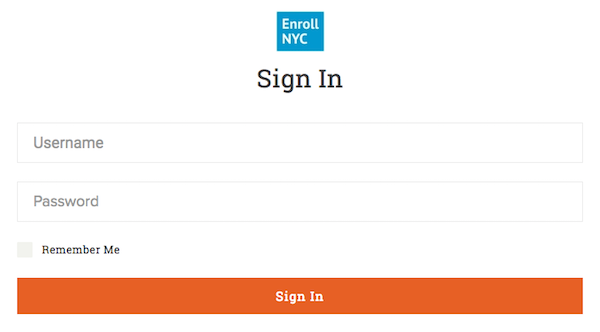
3: If you forgot either your username or password, click on "Need Help? at the bottom of the page."

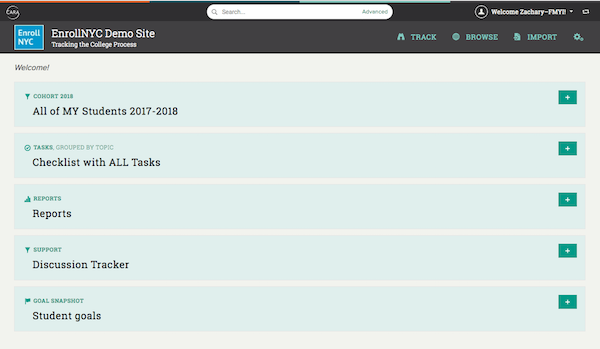
4: Once logged in, you will arrive at the Dashboard, which displays trackers for you to easily access your student pages and see how far along your class is.
Comments