Learn how to add a student to Enroll NYC™ here. You can either:
1: To add a student, go to “Track” and click “Add a Student”.
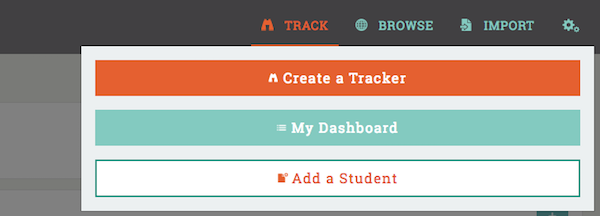
2: First, enter the student’s name . . .
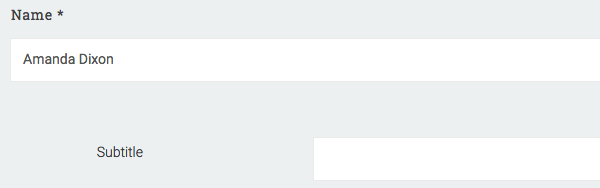
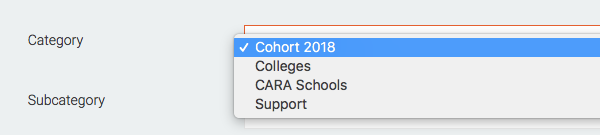
3: . . . then make a selection in the drop down for each of the following data types before continuing.
- "Category": this should reflect the cohort they are part of, for example “Cohort 2018”.
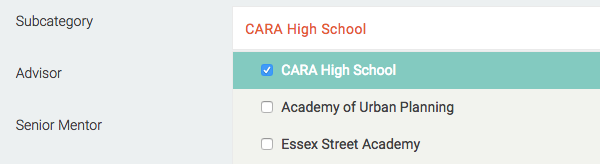
- "Subcategory": if you are part of a program, multiple high schools will be listed here, be sure to select the correct one. If you are not part of a program you may not have to select a high school.
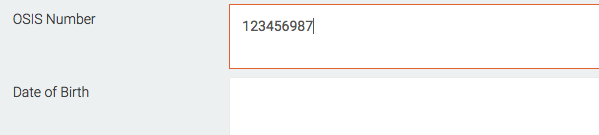
- "OSIS number": this is a student’s unique identifier in Enroll NYC as some students may have the same name.
NOTE: not completing these selections may cause your new student to be saved under the incorrect high school.
4: Before proceeding, you also have the option to enter additional student information.
5: To finish, click "Add a Student."
Comments